
Why the patch level matters
Every month Google publishes an Android Security Bulletina public list of the security flaws fixed in Android that month, with their CVE numbers and severity. Phone makers then ship those fixes in their own updates, on their own schedule. The security patch levela date stored in the phone that says which monthly set of fixes is installed is how you can tell whether yours has them.
When a serious flaw makes the news, such as the critical bug in the Android November 2026 security bulletin, the patch level is the quickest way to know if you are protected.
Find it in Settings
These are the steps Google gives in its Android Help center. Menu names can be slightly different depending on the manufacturer.
- Open the Settings app.
- Tap About phone (or About tablet).
- Tap Android version.
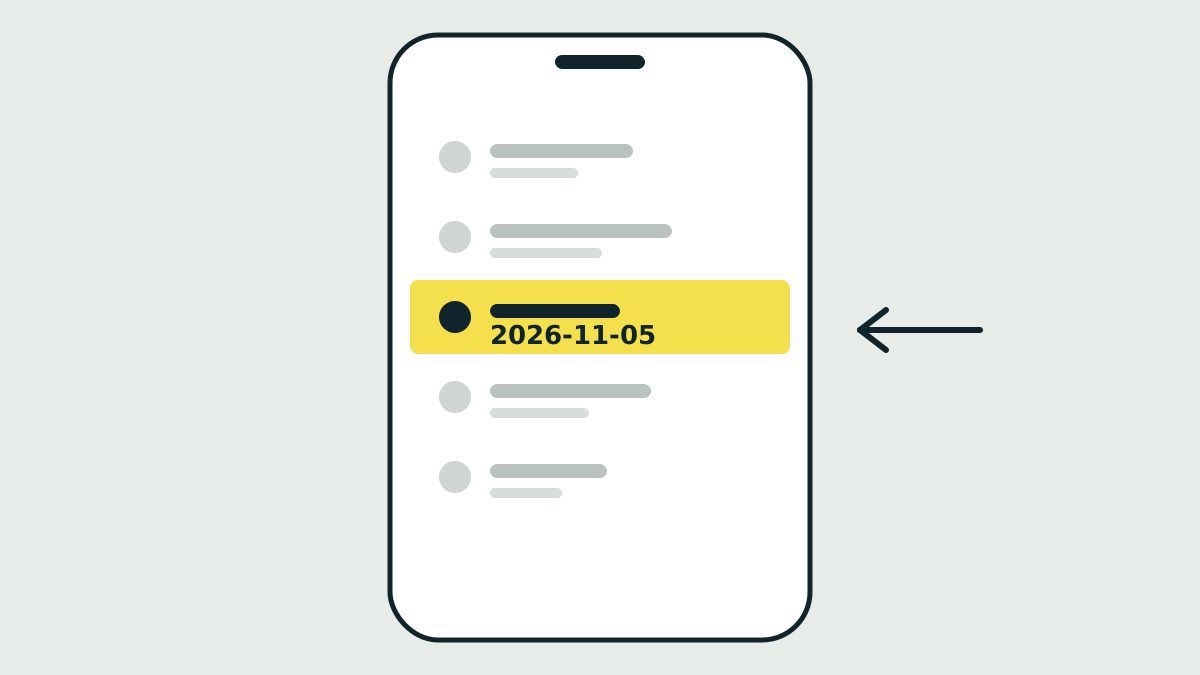
- Look for Android security update. The date under it is your security patch level.
On the same screen you will see the Android version, the Google Play system update and the build number.
How to read the date
Each bulletin has two patch levels. For November 2026 they are 2026-11-01 and 2026-11-05. The first covers fixes in Android itself. The second adds fixes for the kernel and chip components, and it includes everything in the first. If your phone shows 2026-11-05 or a later date, it has all the fixes from that bulletin.
An older date means the fixes published after it are missing. A phone showing 2026-09-05, for example, lacks the October and November fixes.
Check it with adb
If you manage several devices, you can read the same value with adbAndroid Debug Bridge, a command-line tool from Google that talks to a connected Android device. With USB debugging enabled, run:
adb shell getprop ro.build.version.security_patch
It prints the date, for example 2026-11-05. That is the same property Google's bulletins refer to.
Get the latest update
- Open Settings, tap System, then Software updates.
- Follow the instructions on the screen.
- Connect to Wi-Fi and charge to at least 75% first, as Google recommends.
Pixel phones install updates in the background, and the update takes effect after the next restart. Other phones often restart during installation. If a download fails, the phone retries over the next few days.
If no update arrives
Google says update schedules vary by device, manufacturer and carrier, and that older devices cannot always run newer Android versions. If your patch level stays months behind, check the manufacturer's support page for your model. When a phone no longer gets security updates, every new bulletin adds flaws it will never receive fixes for.
Sources
Primary sources we checked for this article: